
How it works
Four stages. Zero guessing.
Every repair, every checkup and every installation follows the same visible process — so you always know where your machine is and what happens next.
Where your docket lives
-
01
Report
Describe the fault online or by phone. You get a docket number the moment the device is received — bring it to the shop or schedule a pickup inside Dschang.
-
02
Diagnose
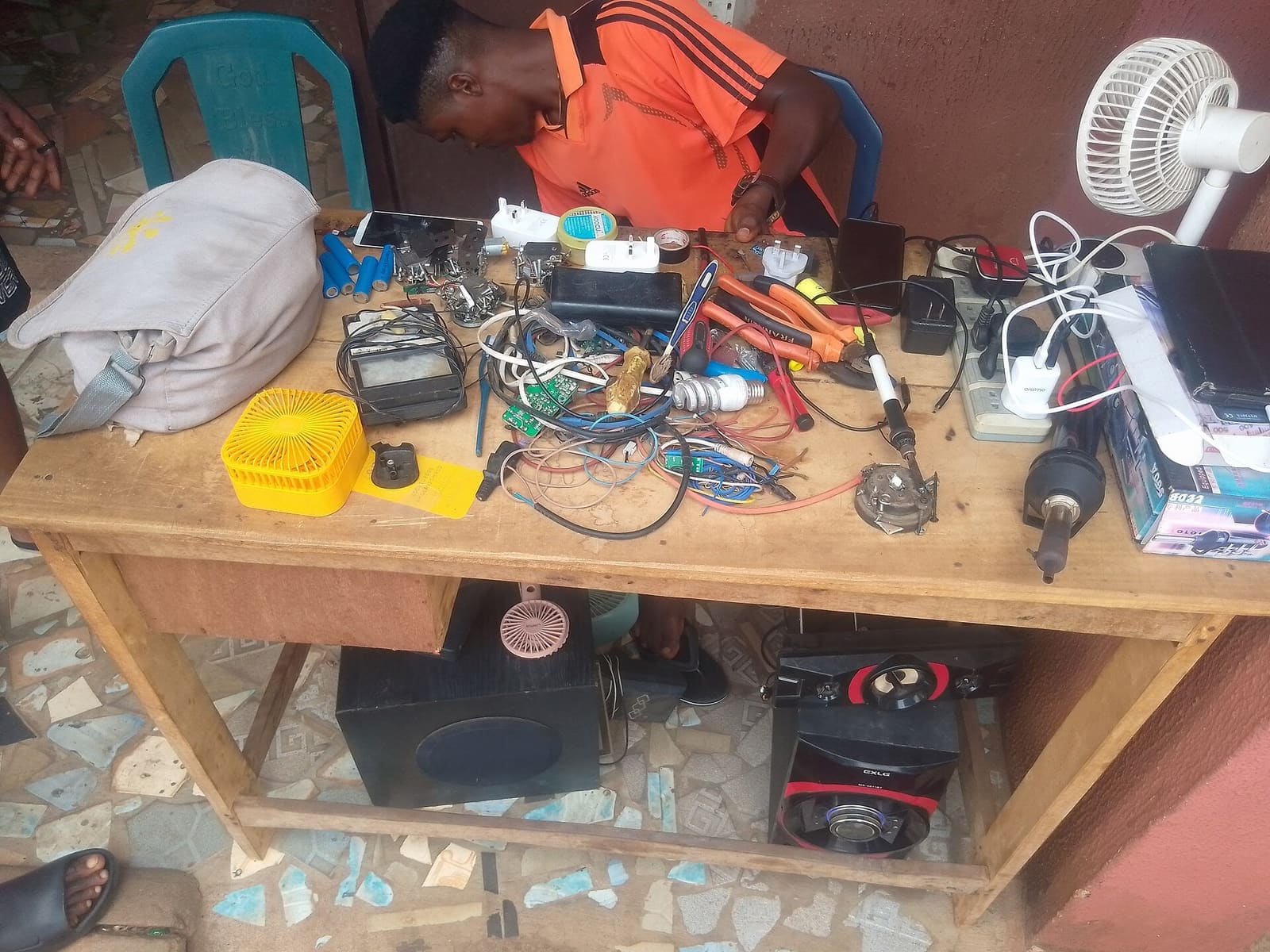
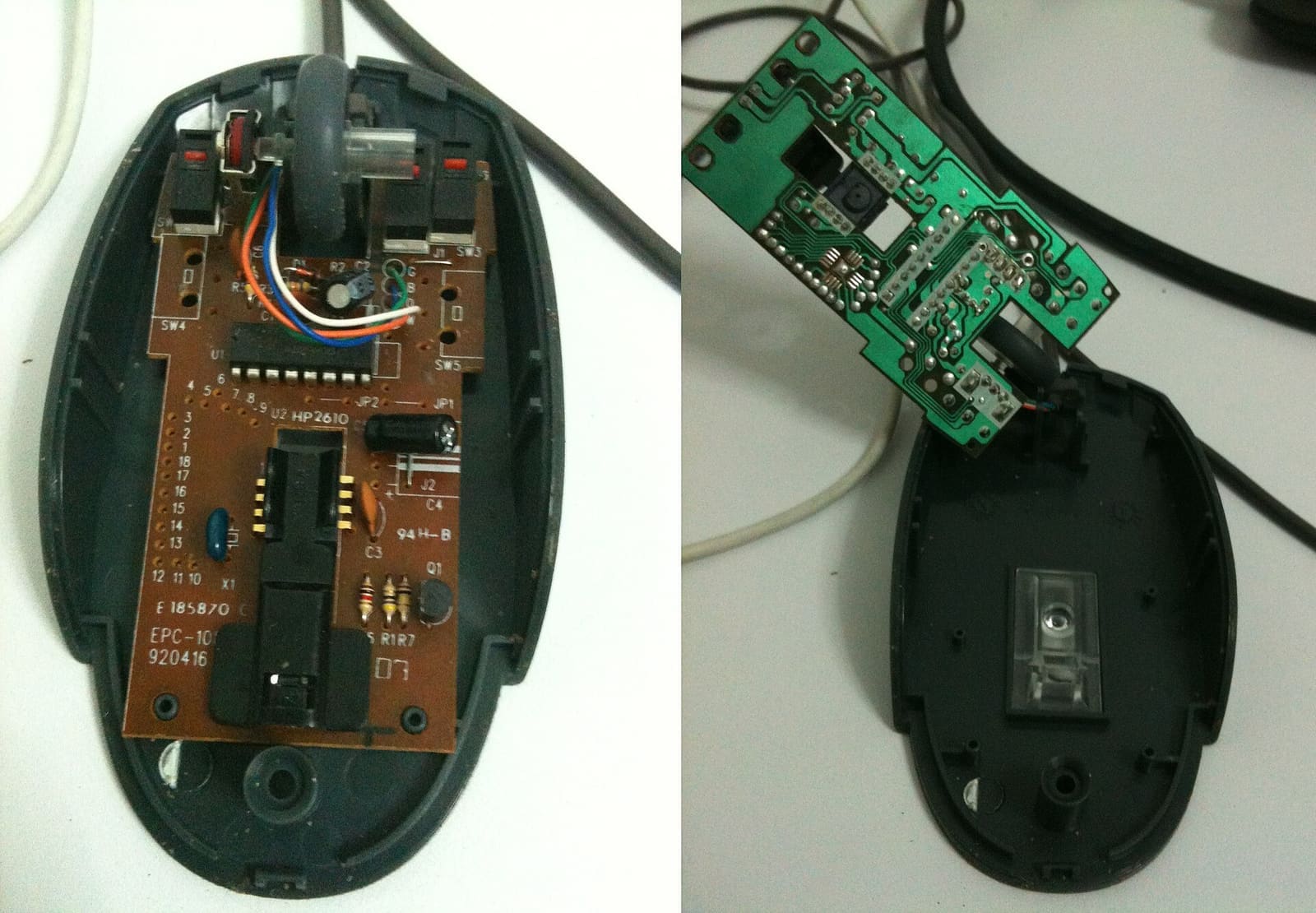
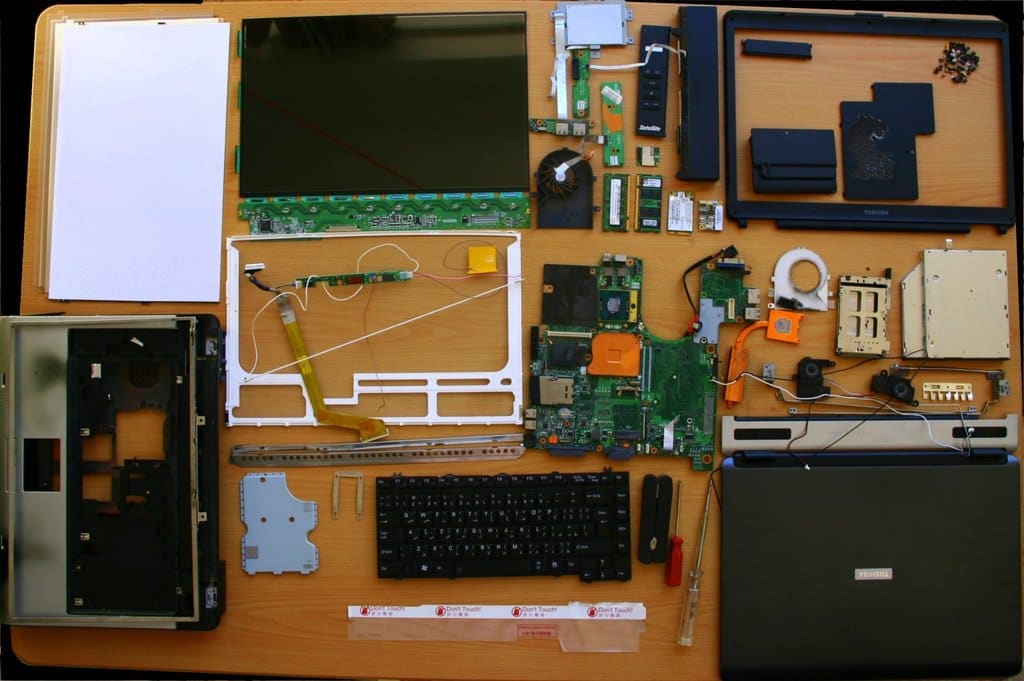
A technician opens the machine, tests and photographs the cause. You receive a written quote with the price, the parts needed and the expected delivery date.
-
03
Repair
Nothing starts until you approve the quote. The work happens at the bench, with updates pushed to your docket at each stage: cleaning, parts fitting, reassembly.
-
04
Hand back
You test the device in front of us, old parts are returned to you, the invoice and the 90-day warranty are issued, and the docket is closed.
What you see
Watch the bench from your pocket.
The docket below is what your phone shows while your machine is with us — status, progress, cover and the notes the technician typed. Check it on WhatsApp or from the shop link we send you.
- Notification at each status change
- Photos of the fault and the fix
- Quote, invoice and warranty attached
Service docket
SR-2026-0417
- Device
- Dell Latitude 5420
- Opened
- 14 Oct, 09:24
- Reported issue
- Won't boot — blue screen on startup
- Cover
- Warranty verified
- Technician
- Workshop · bench 2
- Received
- Diagnosed
- Repairing
- Ready
Remote assistance
Some repairs never leave the house.
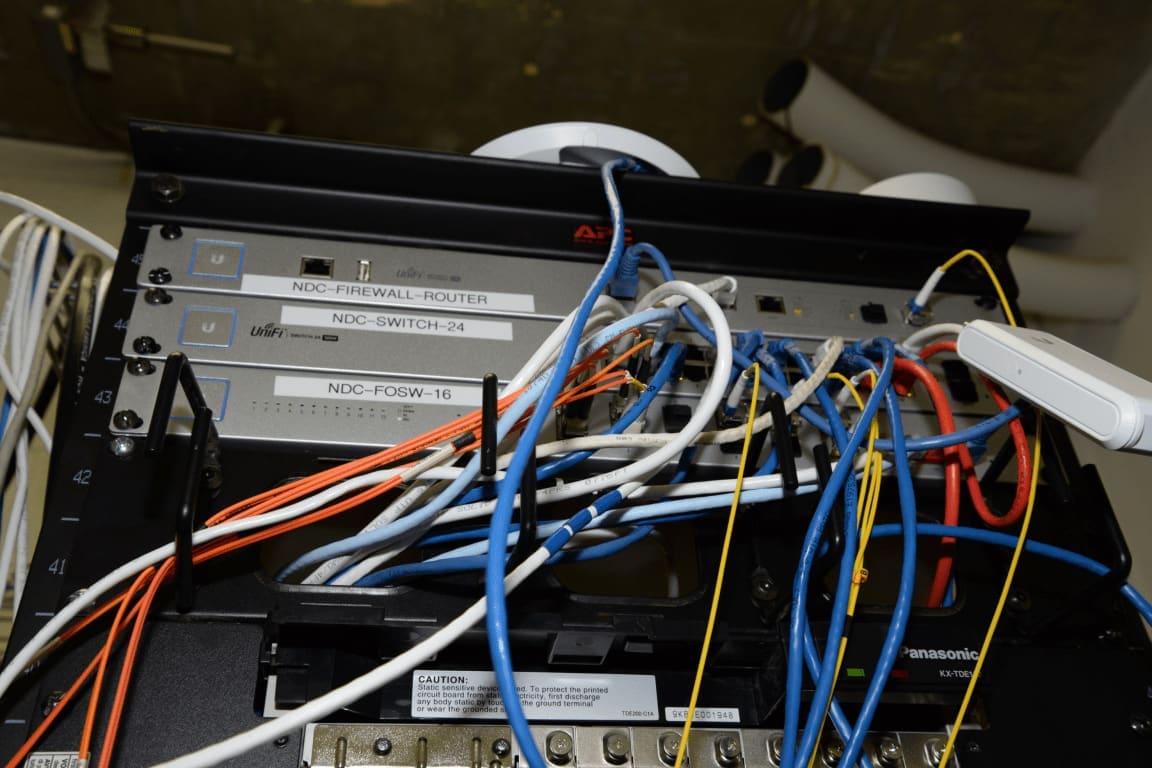
Software trouble, Wi-Fi dead zones, office printers, email setup, exam machines locked out before a deadline — we connect to your computer remotely and fix it live while you watch, or guide you step by step by video.
Ready to start stage one?
Report the fault and get your docket number in minutes.